Weave your references into one moving shot
Bring a face, a camera move and a beat. NovaMotions AI threads images, video clips, audio and text into cinematic clips up to 15 seconds long, with sound made in the same pass.
 @Image1Character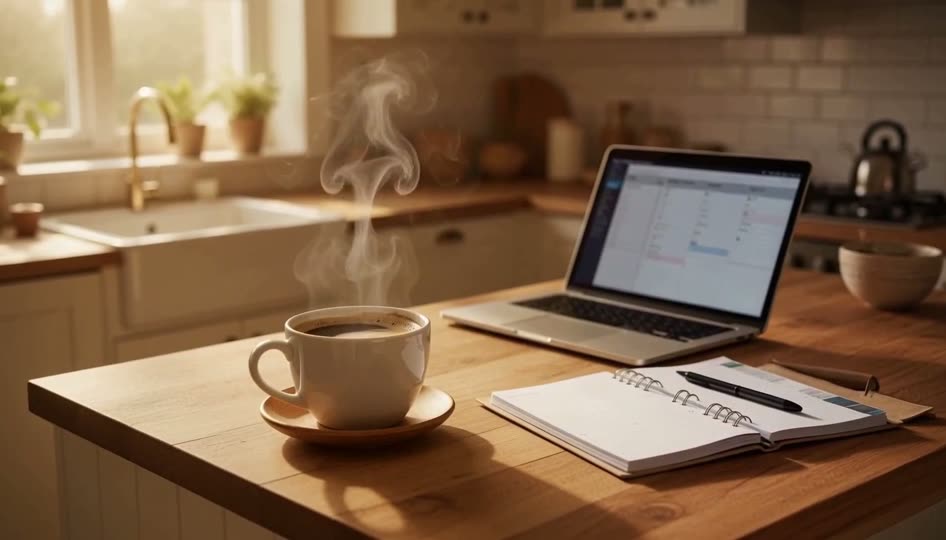
- Video models
- 14
- Image models
- 7
- Longest single clip
- 15 s
- Reference files per shot
- Up to 12
- Interface languages
- 21
See what a prompt can do
Every clip in the showcase comes with the prompt and model behind it. Open one and make it your own.
Control every part of the shot
Give the model something to hold on to. References carry the look, the motion and the sound, your prompt says how they fit together.
- Text prompt
- 9 images
- 3 video clips
- 3 audio files
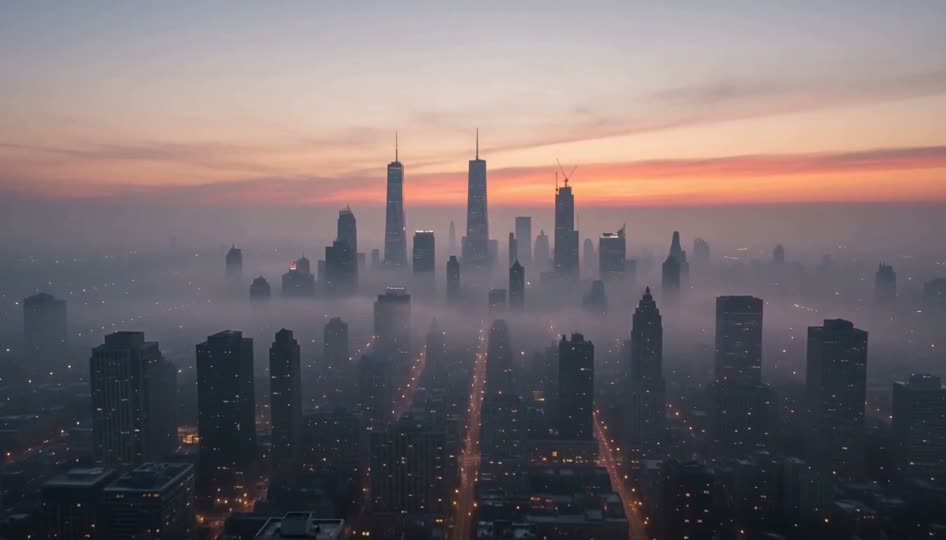
Up to 12 references in one shot
Multi-modal input
Made for real production work
Pick a field to see how teams put references to work, then try a starter prompt in the studio.
Ads that stay on brand
Drop in your product shots and a format that already performs, then generate fresh variations with the same lighting, packaging and color.
- Product videos
- Launch teasers
- Format remakes
- Seasonal variants
A matte black sneaker lands on wet concrete in slow motion, water splashes outward, low angle, hard rim light, bass hit on impact, brand colors in the reflections
Try this promptFrom reference to final cut
The workflow is the same for every model, so switching models never means learning a new tool.
- 1
Add your references
Upload images, short clips or audio, up to 12 files per shot, or start from text alone. Pick the model that fits the job.
- 2
Describe the shot
Write the prompt and mention references by name. Set length, resolution, ratio and sound, and see the exact credit price before you start.
- 3
Generate and refine
Get clips of up to 15 seconds, download them, continue from the last frame or reuse the prompt. Failed renders give their credits back.
Every model, one workspace
Each model has its own page in the studio with live credit prices. All of them share one balance.
Video models
14 models- Seedance 2.5NewPremium scenes in 4Kfrom 45 credits
- Seedance 2.0 ProHotFlagship reference controlfrom 35 credits
- Seedance 2.0 MiniValueFast drafts, lowest costfrom 24 credits
- Wan 3.0WildBold, wide creative rangefrom 46 credits
- MiniMax H3Value15 s clips for fewer creditsfrom 30 credits
- Kling 3Cinematic 4K with audiofrom 30 credits
- Seedance 1.5 ProTalking scenes with lip-syncfrom 31 credits
- Seedance 1.0Multi-shot narrativesfrom 32 credits
- Kling O3Omni referencesfrom 46 credits
- Kling 2.6Cinematic with soundfrom 41 credits
- Wan 2.7All-round workflowsfrom 35 credits
- WanStylized experimentsfrom 32 credits
- GrokFast 6 s clips with soundfrom 47 credits
- Veo 3Lip-synced dialoguefrom 42 credits
- Kling 4.0Coming soonComing soon
Image models
7 models- GPT Image 2.5NewPhotoreal with clean textfrom 4 credits
- GPT Image 2HotEdits in plain wordsfrom 3 credits
- Seedream 5 ProWildFlagship realismfrom 4 credits
- Seedream 5Crisp and quickfrom 3 credits
- Nano Banana Pro4K with perfect textfrom 5 credits
- Nano Banana 2Fast multi-reference editsfrom 3 credits
- Nano Banana 2 LiteLowest cost imagesfrom 2 credits
AI music
1 modelStart with a paid trial
Every plan starts with a 7-day trial from $1, with credits you can use right away. Every model and commercial use are included.
Top-up credits never expire. Monthly, yearly and one-time plans are available.
- Starter$19per month
- Credits
- 1,000 credits a month
- Trial
- $1 for 7 days with 100 credits
- ProMost popular$39per month
- Credits
- 2,000 credits a month
- Trial
- $5 for 7 days with 300 credits
- Business$79per month
- Credits
- 5,000 credits a month
- Trial
- $10 for 7 days with 500 credits
Questions, answered
How credits, plans, references and sound work in NovaMotions AI.
Still wondering about something? Ask our team
What is NovaMotions AI?
How do credits work?
Is there a free plan?
What happens when my trial ends?
Do unused credits carry over?
Can I get a refund?
Can I use what I make commercially?
What can I use as a reference?
Does every video come with sound?
How long can a clip be?
Which languages are supported?
Is there an API?
Your next shot starts with one reference
Open the studio, drop in an image or a clip and see the price before you press generate.